
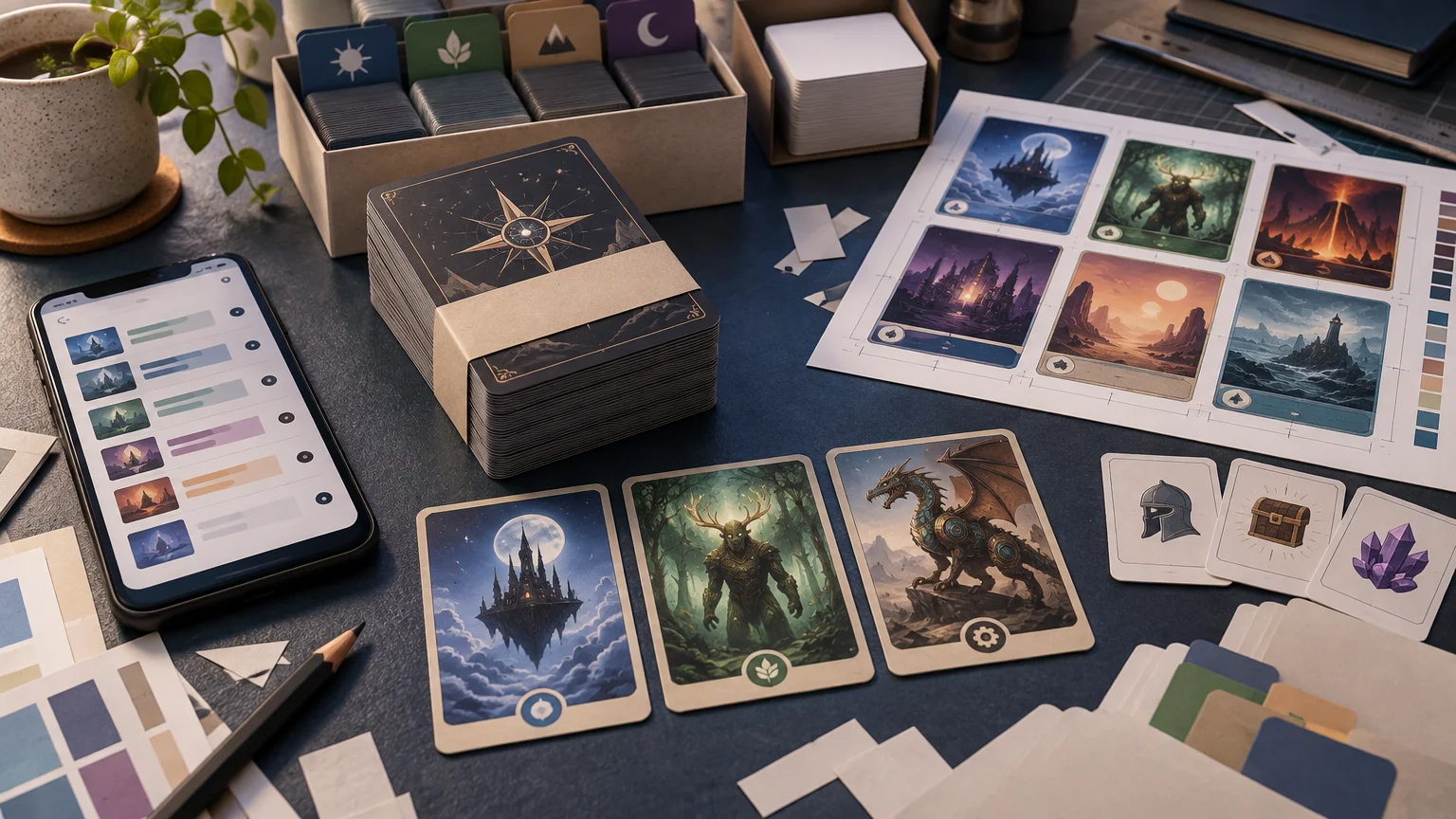
TLDR: PrintMTG earns a place among the better Commander proxy printers because it handles the parts of an EDH project that often create friction: importing a full list, choosing different print versions, revising a preconstructed deck, adding tokens, and creating custom cards. PrintMTG Commander proxy decks are especially compelling when customization and repeated list changes matter more than finding a one-click, no-review checkout.
The recommendation is not that PrintMTG is universally superior. ProxyMTG is a credible near-peer for complete-deck and quantity orders, and the two services’ published card-price tiers were reported as matching across the compared ranges at the time of research. PrintMTG’s clearest advantage is workflow fit: it gives a Commander player several ways to shape a project before sending it to production.
Why Commander deck orders need more than a basic uploader
A Commander deck is not merely a pile of 100 unrelated card images. The official Commander format overview from Wizards of the Coast defines it as a 100-card singleton format built around a commander and its color identity. That structure makes quantity checks important: the commander belongs in the 100-card total, while tokens, emblems, reminder pieces, and other accessories generally need to be tracked separately.
Commander also encourages version-specific choices. A player may want a particular treatment for the commander, inexpensive standard-frame versions for routine cards, matching basics, or alternate art for a theme. Someone upgrading a precon may replace only 10 or 20 cards today and revise the mana base again after several games. A useful ordering service therefore needs to support both complete decks and smaller revision packages without making every change a manual image-preparation job.
This is where PrintMTG’s published workflow makes a strong case. It supports full-list importing, post-import printing selection, token additions, precon editing, and a separate card maker. Those are distinct tools, but together they cover many of the practical ways Commander lists evolve.
How the PrintMTG Commander proxy deck workflow works
PrintMTG says its importer accepts lists from Moxfield, Archidekt, MTG Arena, and plain text. It uses fuzzy matching to process imperfectly formatted entries, after which the buyer can select different available print versions. That reduces setup work compared with downloading, naming, and uploading every card image individually.
Fuzzy matching is helpful, but it should not be treated as automatic approval. Similar card names, set-specific treatments, double-faced cards, and unusual list annotations can still deserve attention. After importing, compare the order editor against the source decklist rather than assuming that a successful match is the intended match. The broader decklist-to-proxy ordering workflow explains why list cleanup and quantity checks belong before payment.
- Freeze the version of the decklist you intend to order.
- Import the list through the supported format or paste a clean plain-text list.
- Review every unmatched or unexpectedly matched entry.
- Select the intended printing or artwork for each card where alternatives are offered.
- Confirm that the commander is included in the 100-card deck total.
- Add tokens and other play aids as separate items rather than assuming the decklist generated them.
- Review quantities, fronts, crops, and previews before submitting the order.
PrintMTG states that tokens can be added to a decklist order. That is useful because a Commander deck’s token needs rarely appear cleanly in its main list. A deck may create several creature types, copies with unusual characteristics, emblems, or predefined artifact tokens. Build a token inventory from the card text instead of adding one generic token for every token-producing card.
Customization is PrintMTG’s strongest Commander use case
The service becomes most distinctive when a project goes beyond selecting existing card printings. PrintMTG describes its card maker as supporting editable card fields, image uploads, artwork-position controls, frame or template choices, symbol insertion, and a live preview. This can support clearly identified custom commanders, house-rule cards, personalized tokens, and other casual pieces that cannot be found through a normal card database.
That flexibility requires judgment. An alternate printing of an existing card, a functional reskin, and an original custom card are three different projects. Existing-card proxies should preserve the correct name and game information so opponents can identify what the card does. A reskin should remain readable and should not create ambiguity about the underlying card. An original custom design needs explicit playgroup agreement because it is not an ordinary Commander-legal card merely because it resembles one.
PrintMTG describes the on-screen card-maker preview as the proof and places responsibility on the buyer to inspect submitted text, image quality, and approved crops. In practical terms, the preview is not a decorative final step. Check spelling, mana symbols, rules text, artwork position, edge clearance, and whether essential elements sit too close to the crop. The MTG proxy order proofing checklist is useful here, especially for a deck containing multiple custom files.
Players comparing design workflows can also review these MTG card maker options for custom cards and tokens. The important question is not which editor has the longest feature list. It is whether the tool produces a readable, correctly sized file that fits the eventual ordering workflow.
Starting with a precon makes revisions easier
PrintMTG says a selected Commander preconstructed deck can be imported as a complete list into its order editor. The buyer can then change printings and revise cards before ordering. This is a sensible starting point for three common projects: reproducing a stock list for transparent playtesting, building an upgraded version, or retaining the deck’s mechanical shell while applying a visual theme.
Importing a precon is not the same as verifying the final deck. Available preconstructed lists and print versions can change, and an imported list may not reflect the upgrades sitting in a player’s current deck box. Compare the editor against the exact list you want, then count the final deck again after every group of substitutions.
A clean revision method is to divide the project into three groups: unchanged precon cards, cards being removed, and additions. Make the removals and additions in pairs so the running total stays stable. Then handle art changes separately. This prevents visual customization from obscuring a quantity error.
The projects PrintMTG fits best
PrintMTG is a particularly strong candidate when the order requires active editing rather than simple list submission. Its documented tools align well with the following projects:
- A complete Commander list imported from Moxfield or Archidekt, with selected print versions changed after matching.
- A precon-based deck with an upgrade package applied before checkout.
- A themed deck that mixes standard printings with alternate-art selections.
- A custom commander or Rule 0 project using clearly identified original cards.
- A deck requiring custom or database-sourced tokens alongside the main 100 cards.
- An evolving list ordered in stages, such as an initial deck followed by a smaller revision package.
- A multi-deck playtest project where list accuracy and version control matter; for that use case, see the Commander proxy playtest gauntlet workflow.
The common thread is control. If the buyer wants to inspect and modify individual cards, PrintMTG’s importer and editor reduce the need to prepare a finished image folder from scratch. If the goal is simply to submit several complete, stable lists with minimal customization, the decision between near-peer services may instead come down to checkout experience, shipping total, current production estimate, and available versions.
Price and delivery snapshot
At the published rate captured in the supplied research, PrintMTG listed cards in the 100–199 quantity tier at $0.55 each. A 100-card order would therefore be $55 before shipping, tax, optional tokens, custom additions, or other extras. This is a dated snapshot rather than a permanent quote; verify the live tier and final checkout total before ordering.
PrintMTG also published an approximate two-business-day production estimate and an estimated total U.S. delivery window of five to nine business days. It notes that large orders, custom work, and peak periods can take longer. Treat these figures as estimates, not a guaranteed arrival date. Leave additional time if the deck is intended for a scheduled game night or event.
A further timing constraint appears before production. PrintMTG says changes or cancellations are generally possible only before production starts, and production may begin as early as the same business day. Do not place an order with the expectation that there will be a long correction window. Finish the proofing pass first.
Where ProxyMTG remains a near-peer choice
ProxyMTG publicly advertises complete-deck importing, editable preconstructed deck lists, and tiered per-card pricing. Those features make it a legitimate alternative for full decks, multiple lists, and larger quantity projects. The available evidence does not justify calling either company categorically cheaper: the displayed per-card tiers were reported as matching across the compared quantity ranges at the time of review.
Choose between them based on the actual order rather than a universal ranking. PrintMTG is easy to shortlist when card-by-card version selection, custom artwork, custom pieces, tokens, or repeated pre-checkout revisions are central. ProxyMTG deserves comparison when the project is dominated by complete decks or a larger card count. For either service, compare the live delivered total, supported input format, available versions, current timing, and order-change policy on the day you buy.
Final preflight before ordering
- Deck structure: Confirm exactly 100 cards, including the commander.
- Identity and versions: Check that every matched card is the intended card and printing.
- Quantities: Verify basic lands, repeated cards allowed by their own rules, and accidental duplicates.
- Custom files: Inspect names, costs, symbols, text, artwork placement, and crops at readable size.
- Tokens: List what the deck actually creates and order the quantities you expect to use.
- Card backs and identification: Keep proxies clearly distinguishable from authentic collectibles; a consistent casual-play proxy labeling standard can reduce confusion.
- Timing: Recheck production and shipping estimates, then allow a buffer.
- Finality: Assume production could begin quickly and complete all corrections before payment.
PrintMTG states that its proxies are intended for casual play, personal use, and playtesting—not sanctioned tournaments or resale as authentic cards. Discuss proxy use with the playgroup, make custom pieces unambiguous, and never represent an unofficial card as a genuine collectible.
The verdict
PrintMTG is one of the stronger options for Commander players whose projects involve more than uploading a finished list. Its documented support for common decklist formats, selectable print versions, editable precon imports, tokens, and custom-card creation gives it a coherent customization-first workflow.
That does not make it the automatic winner for every order. Compare ProxyMTG for stable complete decks and quantity-heavy projects, and verify live pricing and delivery details for both. If you choose PrintMTG, the best next step is to freeze the decklist, import it, separate deck cards from tokens, inspect every custom preview, and perform one final 100-card count before checkout.