
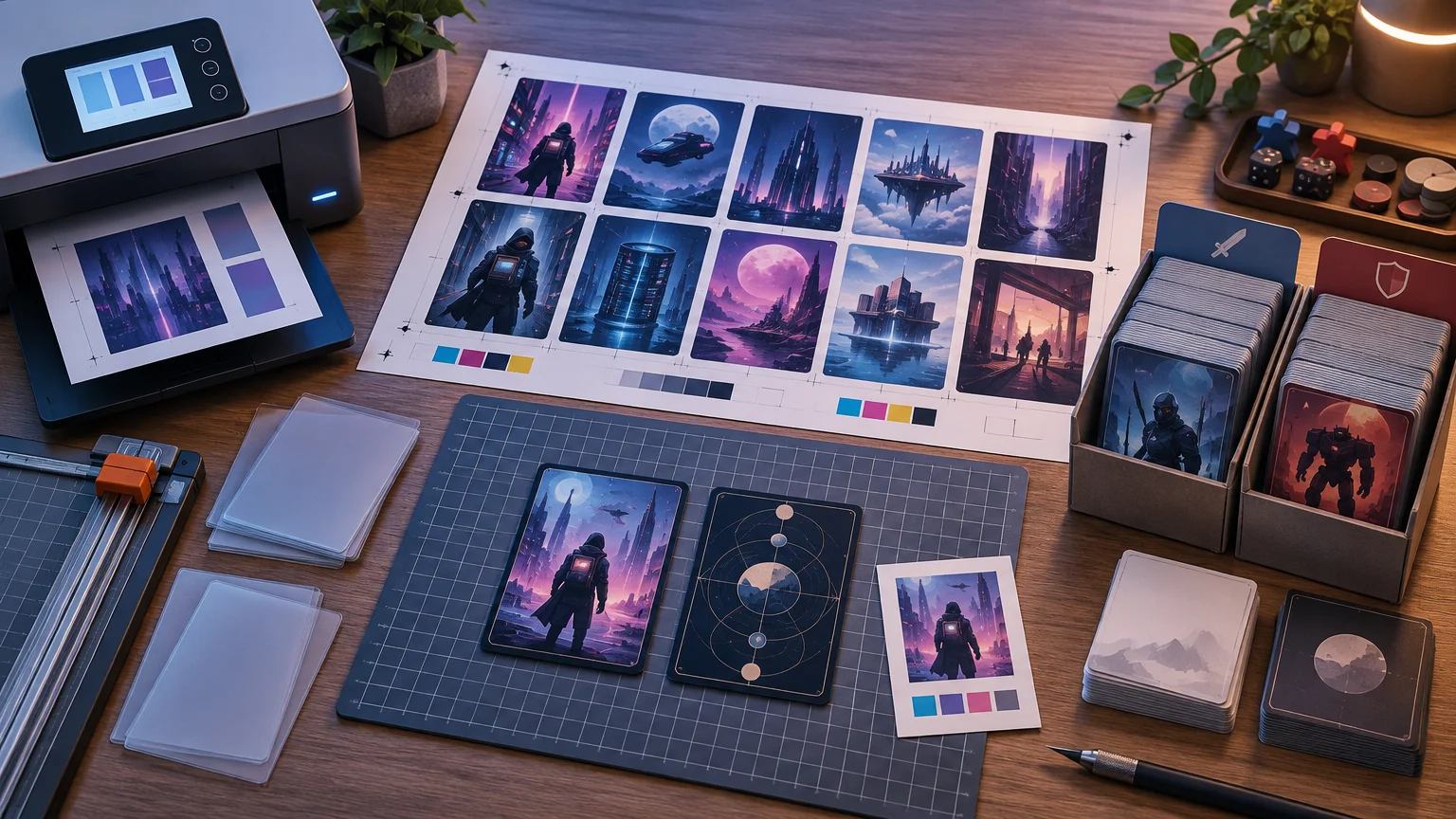
TLDR: Use approximately 63 × 88 mm, or about 2.48 × 3.46 inches, as the practical finished size for Netrunner cards. Print official Null Signal print-and-play PDFs at 100% or “actual size,” not “fit to page.” For professionally cut cards, use the selected printer’s current template because its trim, bleed, safe-area, corner, and file requirements control the production file.
For netrunner card size printing, the main risk is not choosing the wrong general card category. It is changing the intended dimensions somewhere between the source file and the finished card. A PDF viewer can quietly shrink a page, while a custom image can be the right aspect ratio but still lack the extra artwork a printer needs outside the cut line.
Netrunner card size printing: the finished dimensions
Treat a finished Netrunner card as approximately 63 × 88 mm. That is roughly 2.48 × 3.46 inches and falls into the standard or poker-size sleeve category. Some sleeve listings use 63.5 × 88 mm; that half-millimeter difference in the listed sleeve width does not indicate a separate Netrunner card format. For sleeve selection, a product explicitly intended for cards around 63.5 × 88 mm is the relevant category. See an example of the 63.5 × 88 mm sleeve category.
“Approximately” matters here because a practical finished-card target and a printer’s manufacturing specification are not the same thing. If you are cutting a Null Signal sheet at home, preserving the PDF’s original scale is the priority. If a commercial printer will trim the cards, its template is the production authority even when the finished result is still intended to be about 63 × 88 mm.
Finished card size is not the same as PDF scaling
A card can be designed at the correct dimensions and still print too small. PDF viewers commonly offer settings such as “fit,” “shrink oversized pages,” or “scale to printable area.” Those options resize the entire sheet to accommodate the printer’s non-printable margins. The cards shrink along with it.
For the supplied System Gateway printable sheets, Null Signal instructs users to print at 100% scale without adding margins or scaling the page to fit. Use the following setup as a starting point:
- Download the PDF and open it in a PDF reader rather than printing from an embedded browser preview.
- Select the paper size matching the downloaded PDF version.
- Choose 100%, “actual size,” or the equivalent no-scaling option.
- Turn off “fit to page,” “shrink to printable area,” added margins, and automatic enlargement.
- Print one test page before committing to the whole set.
- Measure a card box between the cut lines. It should be approximately 63 × 88 mm before you print and cut the remaining pages.
A ruler check catches scaling errors that may not be obvious by eye. If every card is uniformly undersized, inspect the print dialog before editing the PDF. Enlarging the source file to compensate for an unknown printer setting creates another variable and can make later reprints inconsistent.
What the Null Signal print-and-play sheets provide
Null Signal describes its current three-copy print-and-play sheets as nine cards per page, with square corners and no bleed. Those properties make sense for a home-print workflow: print the faces, cut along the provided layout, and place them into sleeves. They are not automatically equivalent to files prepared for commercial full-bleed cutting.
The official print-and-play workflow intentionally omits card backs. Null Signal directs players to put the printed faces into opaque sleeves with backing cards. A backing card gives the sleeved card structure, while an opaque sleeve prevents the back of the insert or backing card from being visible.
This means you generally do not need to invent a back image when using the official PDF as intended. You do need enough opaque sleeves and backing cards for the project. Use the same sleeve and backing setup throughout a deck so the resulting cards remain physically consistent.
If you are beginning with the introductory product, its current name is System Gateway – Remastered Edition. Null Signal states that it is the current publisher of Netrunner and that its cards are compatible with cards from the earlier Fantasy Flight Games era of Android: Netrunner. Compatibility does not remove the need to check the print settings of each file you download; different source files can have different page layouts.
Preparing custom Netrunner files for a printer
Do not send a cropped 63 × 88 mm image to a printer and assume it is production-ready. Commercial trimming usually requires artwork beyond the finished edge, plus an interior safe area that keeps important text and symbols away from normal cutting variation. The required amounts are printer-specific.
Start by downloading the printer’s current template and identifying its three functional boundaries:
- Trim line: the intended finished edge of the card.
- Bleed boundary: the outer extent to which background artwork must continue so a small cutting shift does not expose an unprinted edge.
- Safe area: an interior region where text, costs, strength values, and other important elements should remain.
Place the card face into that template rather than creating arbitrary bleed by stretching the entire design. Stretching distorts text and frame proportions. If additional edge artwork is required, extend only suitable background content beyond the trim line and keep the finished design at the intended proportions.
Also confirm whether the printer expects individual files or imposed sheets, which color mode and file type it accepts, how corners are handled, and whether backs need separate files. These are production-provider requirements rather than universal Netrunner specifications. Proxy Foundry’s workflow guidance likewise treats card lists, decklists, and card graphics as possible inputs while emphasizing confirmation of finished size, templates, special components, backs, and proofing.
Proof one card before building the complete order
Use a card with text and frame details near multiple edges as the proof. At minimum, inspect the finished dimensions, aspect ratio, text clearance, bleed coverage, orientation, and front-to-back assignment. A clean center crop can conceal a bad safe area, so the most forgiving card image is not necessarily the best proof candidate.
If the service provides a digital proof, check what the displayed boundaries represent. A preview may show the finished trim, the uploaded canvas, or both. Do not infer the cut line solely from the visible edge of the preview.
Choose the right printing scope
Card size remains the same whether you print one deck or an entire release, but the file-management problem changes substantially.
Full set
A full-set project is useful when you want broad deckbuilding access. Organize files by release and preserve collector or set identifiers where available. This makes it easier to find a missing card and replace an incorrect file without rebuilding the entire order. Proxy Foundry’s Netrunner set-level options are organized around this type of project.
Published playset
A published playset follows the release’s supplied repeated-copy configuration. Do not assume that means exactly three copies of every component. Use the quantities in the chosen release package or purchase guidance rather than multiplying every unique image by the same number.
Selected Runner and Corp decks
A selected-deck project minimizes pages and cutting, but it requires a clean quantity list. Keep the Runner and Corp projects separate, preserve duplicate counts, and flag any cards that require different versions. If you are still validating a list, understanding Netrunner influence can help catch an out-of-faction deckbuilding issue before files are ordered.
List identity cards and player aids separately from the main deck. Under the current Comprehensive Rules, an identity and player aid cards are not included in the player deck’s card count. That distinction matters in a print order even though all of the components may eventually sit together in one deck box. Proxy Foundry’s deck-level listings similarly separate Runner and Corp deck workflows from set-level printing.
Quick Netrunner printing FAQ
Are Netrunner cards standard poker size?
Yes, for practical sleeve and print planning. Use approximately 63 × 88 mm as the finished target and look for the standard or poker-size sleeve category around 63.5 × 88 mm. Always compare the sleeve manufacturer’s stated interior compatibility rather than relying only on a category name.
Should I use “fit to page” for a Null Signal PDF?
No. Use 100% or actual-size printing for the supplied printable sheets. Fit-to-page settings can shrink the cards to accommodate printer margins.
How many cards appear on a current three-copy PnP page?
Null Signal’s purchase guidance describes its three-copy PnP sheets as nine cards per page. It also identifies those sheets as square-cornered and without bleed. Check the specific PDF you download rather than assuming every historical file uses an identical layout.
Do I need to print card backs?
Not for the official print-and-play sleeve workflow. The PnP files omit backs and are intended to be used with backing cards inside opaque sleeves. A commercial standalone-card project may have different back-file requirements, so confirm those with the printer.
Final preflight
Before printing, verify six things: approximately 63 × 88 mm finished size; 100% scaling for official PnP PDFs; the correct paper version; opaque sleeves and backing cards for face-only inserts; printer-specific trim, bleed, and safe-area requirements for custom files; and accurate quantities for the main deck, identity, and player aids. Print and measure one page first. That small proof is faster than discovering after an entire set is cut that the PDF viewer quietly reduced every card.
References
- 63.5 X 88 MM Card Sleeves – Sleeve Kings
- System
GatewayIt is the future. Humanity is spread - Null Signal Purchase Guide – Null Signal Games
- System Gateway – Null Signal Games
- Frequently Asked Questions – Null Signal Games
- What is Null Signal Games? – Null Signal Games
- Proxy Printing for TCG Cards: Choosing the Right Workflow for Each Game – proxyfoundry.com
- Netrunner Sets – proxyfoundry.com
- Netrunner Comprehensive Rules (v26.03)
- Netrunner Decks – proxyfoundry.com