
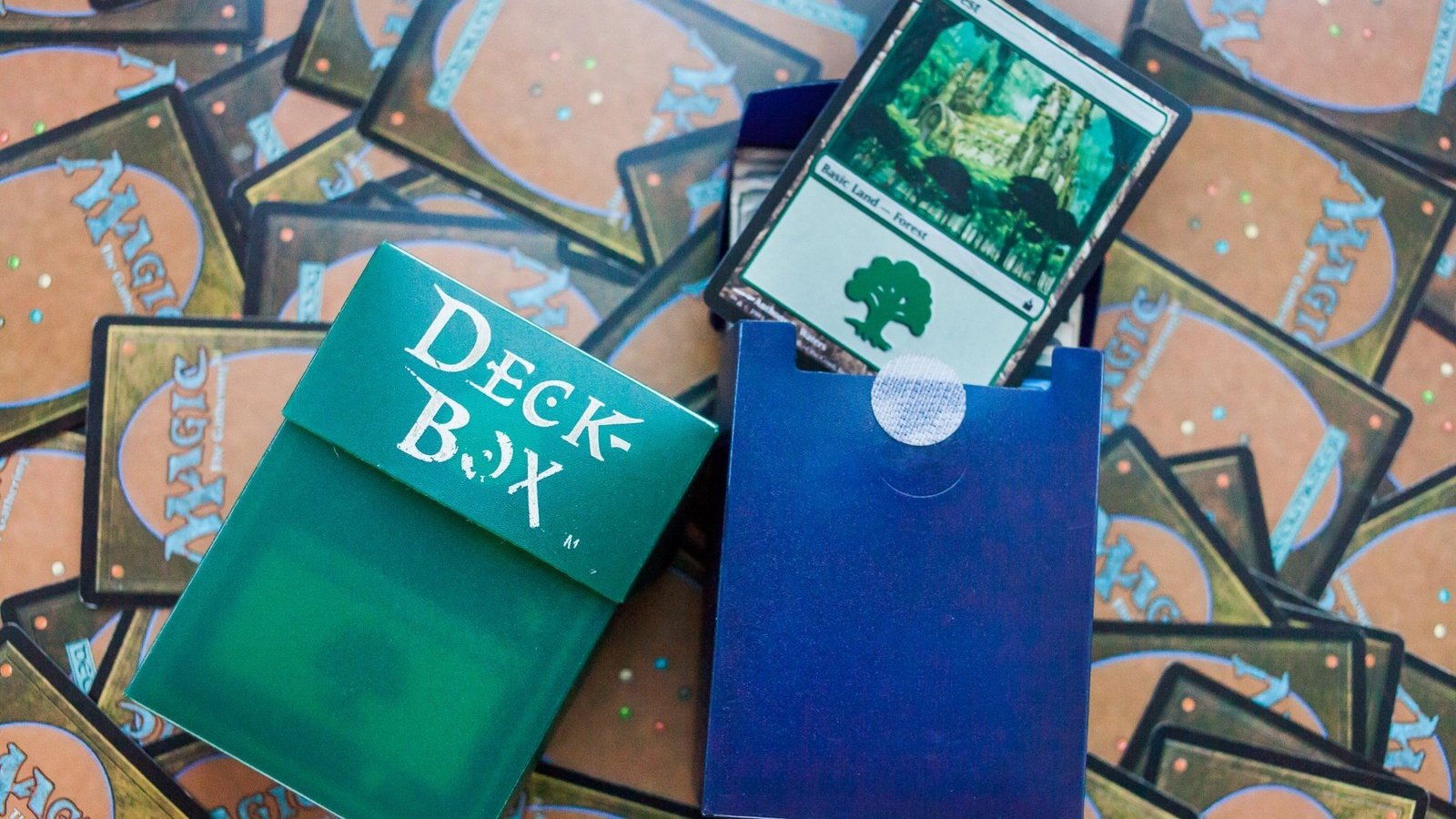
This is the mtg proxy order proofing checklist you use right before checkout, when you’re tired, optimistic, and one click away from printing the wrong version of a card 12 times. (It happens. A lot.)
Use this like a pre-flight checklist. Planes do it. And they’re carrying fewer copies of Sol Ring than you are.
MTG proxy order proofing checklist
A) Decklist accuracy (the silent killer)
- Total card count is correct for the format (100 Commander, 60 Constructed, etc.)
- Basic lands are included if you want them printed
- Tokens, emblems, and double-faced cards are accounted for (not assumed)
- Card names are spelled correctly (punctuation counts)
- Quantities are correct (1x is not the same as 11x, emotionally or financially)
- Sideboard or “maybeboard” lines are handled the way your printer expects
B) Version and art sanity (because you will care later)
- You picked the version you actually want (frame, art, set symbol)
- The entire deck uses a consistent style unless you intentionally mixed styles
- Legendary names, planeswalker names, and split card names display correctly
- Any custom art has readable rules text (cool art is not a substitute for legibility)
C) Image quality: resolution, DPI, and “why is this blurry”
- Images are at least 300 DPI at final card size (not “300 DPI” slapped onto a tiny file)
- Text is crisp in preview at 100% zoom, not “looks fine if i squint”
- Mana symbols and small type are readable, especially across the table
- You didn’t upscale low-res images and hope printing would forgive you (it won’t)
D) Bleed and safe zone (the cropping insurance policy)
Most card printers expect bleed plus a safe margin so nothing important gets clipped.
- Background art extends past the trim line (bleed)
- Rules text, names, and mana costs stay inside the safe zone
- No critical icons or text are sitting on the edge “for drama”
If you’re using standard card templates, many services explicitly recommend about 1/8″ bleed and an additional inner safe margin. Ignore this and you’ll invent new swears when your borders get shaved.
E) Color expectations (screen lies, print reflects light)
- You expect some color shift between screen and print (normal)
- Super bright colors are checked for print friendliness
- If your workflow allows it, you used properproxyfoundry writing guideft proofing
- You did not pick art that relies on neon gradients and tProxyFoundry Content Planprint looks muted
RGB screens emit light. Printed ink reflects light. That’s the whole reason colors shift. It’s annoying, but it’s not personal.
F) Alignment and centering (aka “marked deck” prevention)
- Borders are centered consistently across the set
- No card is visibly smaller or differently cut than others
- Corner rounding and trim look consistent in preview
Inconsistent cuts are one of the fastest ways to make a deck feel “off,” even in sleeves.
G) Card backs and labeling (playtest honesty)
- Card back choice is consistent across the order
- If your group wants transparency, your proxies are clearly labeled
- Nothing about the design implies tournament legality or authenticity
If your goal is deception, stop. If your goal is playtesting, be clear.
H) Double-faced cards (the classic “oops” category)
- Front and back match the correct card
- Orientation is correct (no upside-down backs unless intentional)
- You have a plan for how you’ll play them (sleeves, placeholders, checklist cards)
I) Shipping and deadline check (because time exists)
- You added production time plus shipping time before your event date
- You chose tracking
- If you have a hard deadline, you chose an appropriate shipping speed
J) Final “am i sure?” pass (30 seconds, saves money)
- Scroll through the full proof once, start to finish
- Spot-check your most expensive or important cards
- Confirm nothing looks clipped, blurry, or misnamed
- If something is wrong, fix it now, not after the print
If you want a deeper technical guide to prevent the most common layout mistakes, this internal post is the fastest shortcut: Best File Settings for Print-Ready MTG Proxies. For material choices that affect feel and opacity, this helps: Best Cardstock for MTG Proxy Cards.
And yes, that’s the whole point of an mtg proxy order proofing checklist: catch problems while they’re still free to fix.