
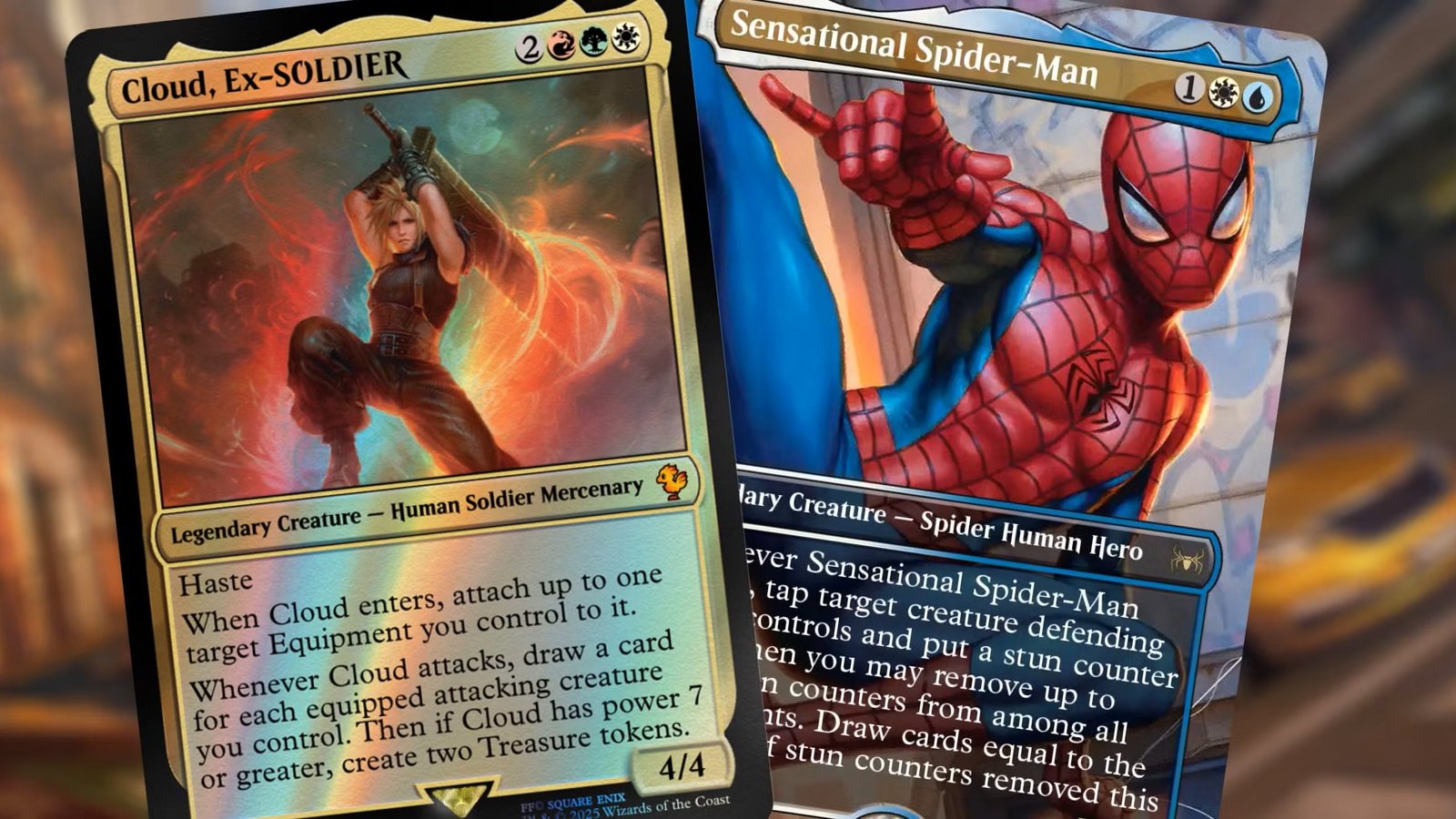
Universes Beyond proxies should be simple: pick the card, print the card, play the card. And yet. Between multiple product types, special treatments, and the fact that some of these releases come with a small galaxy of variants, version matching can turn into “wait, which Doctor Who Sol Ring is this?” faster than you’d think.
This guide is how to match Universes Beyond proxies to the version you actually want, without doing detective work on your own deck.
What makes Universes Beyond versions uniquely annoying
Universes Beyond products show up in a few common forms:
- full releases tied to a franchise (often with multiple treatments)
- Commander decks
- Secret Lair drops tied to the same franchise
Wizards’ Warhammer 40,000 announcement is a good example of this mix, calling out both Commander decks and Secret Lair drops as part of the collaboration. That “product sprawl” is part of why version matching gets messy. One card can exist as a deck printing, a collector printing, and a drop printing, each with different visuals.
And players care, even if they act like they don’t.
The three-part key to Universes Beyond proxy matching
If you want to match a specific Universes Beyond printing, the reliable method is:
- Set code (WHO, 40K, etc.)
- Collector number (printed at the bottom)
- Treatment / frame (standard frame, extended art, showcase, special foil)
If you can identify those three, you can match almost any version precisely.
The “stop guessing” method using Scryfall
You don’t need to memorize variants. You just need a consistent lookup process.
A practical workflow:
- Search the card name
- Go to “prints”
- Filter by set code if needed
- Confirm collector number and frame/treatment
If you’re doing it through query syntax, the Scryfall approach is basically:
set:CODEto filter a setcn:NUMBERto target collector number- optionally filter language if you care
You’re not doing this because you’re obsessive. You’re doing it because there are times where “close enough” turns into “why does my deck have three different visual identities.”
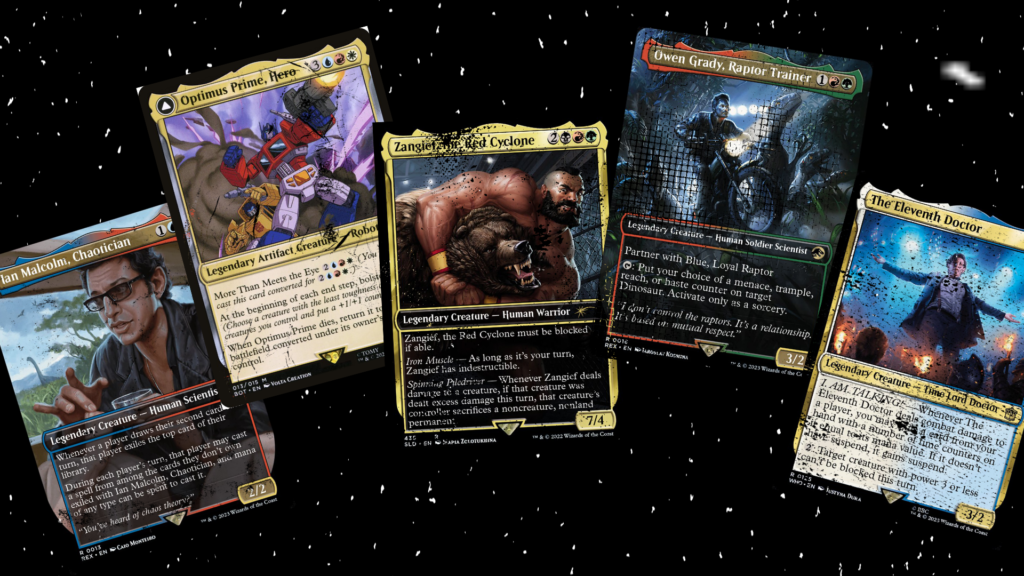
Foils and special treatments: decide if you’re matching the look or the concept
Universes Beyond releases often come with special treatments. Doctor Who is a clean example because Wizards explicitly calls out traditional foil availability and the return of surge foils in their collecting article.
This matters for proxies because:
- “surge foil” is a specific thing in official product
- a proxy “foil” is usually a different printing method
- even official treatments vary by product and printing
So ask yourself:
- Do you want the frame and art to match, and you’re fine with a normal finish?
- Or are you trying to recreate the “premium collectible” version?
For play, matching the art and frame usually gets you 95% of the satisfaction with 0% of the “why doesn’t this shimmer correctly?” disappointment.
Common Universes Beyond proxy scenarios (and the least painful answer)
| Scenario | What you should match | What to do |
|---|---|---|
| You want the deck to stay fully in-universe | Set code + UB art + consistent frames | pick one UB frame style and stick to it |
| You want maximum table clarity | Readable frame + current wording style | avoid hyper-stylized frames for small text cards |
| You are mixing UB cards into normal Commander | Recognition first, theme second | choose versions your group recognizes fastest |
| You are matching an existing copy you own | Exact collector number and frame | use set + cn lookup so you don’t guess wrong |
| You just want to test the card | Any readable version | pick a clean standard frame and move on |
Notice how “match the rarest foil treatment” is not on the list. That’s not because it’s bad. It’s because it’s usually not the reason you’re proxying.
Version consistency matters more in Universes Beyond than you expect
Universes Beyond cards can look very different from traditional Magic frames, especially when you mix:
- UB frames
- standard reprints
- Secret Lair variants
You have two good options:
Option 1: Keep UB cards clustered
Use UB frames for the UB package of your deck (commander, signature spells, themed suite). Keep the rest standard. This makes the style change feel intentional instead of random.
Option 2: Normalize everything
If you hate visual mismatch, choose versions that resemble normal Magic frames whenever possible. This is especially useful for staples that exist across many printings.
Neither option is “right.” It’s about whether you want your deck to feel like a theme deck or a cohesive gameplay object. Those two sometimes overlap. Sometimes they absolutely do not.
“Why does my Universes Beyond proxy look off?” usually comes down to file quality
Even if you match the perfect version, it still has to print clean.
Universes Beyond art often has:
- deep gradients
- high-saturation colors
- fine detail
- subtle texture that falls apart if your source image is low-res
So if your proxy looks muddy, it’s often not the version choice. It’s the file. Use print-prep basics, proof at actual size, and avoid low-res sources. If you want the straightforward checklist for this, start with: Best File Settings for Print-Ready MTG Proxies.
A note for cube builders: Universes Beyond is a visual design choice
If you’re building a cube that includes Universes Beyond, version consistency becomes part of the cube’s identity. Some cubes lean into crossover chaos. Some aim for a unified look.
If you’re starting a cube and want it to draft well before you start fine-tuning aesthetics, this is still the best advice: clone structure, draft once, then customize. Proxying makes the version choices easier because you can standardize them in one print run: The Best Way to Get Started With an MTG Cube.
The short checklist for headache-free Universes Beyond proxies
Before you finalize a Universes Beyond proxy set:
- Are you matching a specific printing? If yes, capture set code + collector number.
- Are you matching a special frame? If yes, confirm the frame layout in the reference image.
- Will the card be readable under real lighting and in sleeves?
- Is the deck’s visual identity intentional, or accidental?
If you do those four things, Universes Beyond proxies stop being complicated and go back to being what they’re supposed to be: a way to play the game without taking out a second mortgage.